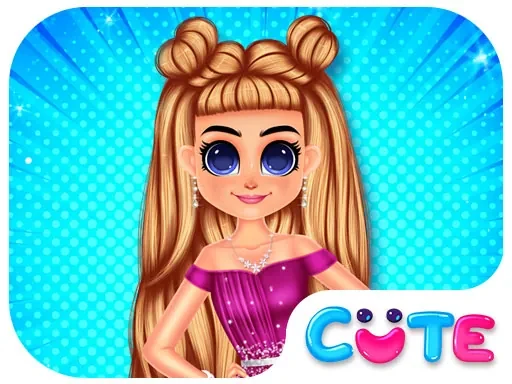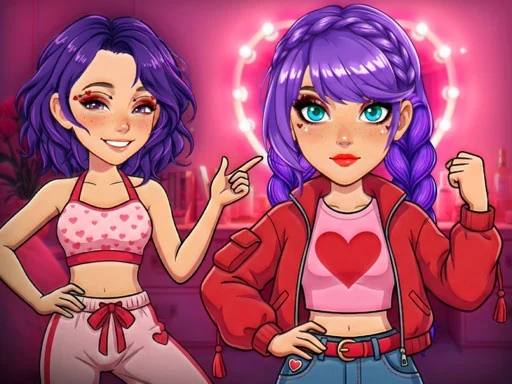

Romantic K Pop Transformation Description
Romantic K Pop Transformation Instructions
Q: How do I start playing Romantic K-Pop Transformation?
A: Use your mouse to click (on computers) or tap directly on the screen (on touchscreen devices) to select a girl and begin her makeover.
Q: How do I apply makeup in Romantic K-Pop Transformation?
A: Click or tap on the makeup tools to choose soft red and pink palettes, then apply them to the character's face.
Q: How do I change hairstyles in Romantic K-Pop Transformation?
A: Browse the hair menu and click or tap on any trendy style or color to instantly update the character's look.
Q: How do I dress the character in Romantic K-Pop Transformation?
A: Navigate the wardrobe section and click or tap on tops, skirts, dresses, or trousers to mix and match outfits.
Q: How do I add accessories in Romantic K-Pop Transformation?
A: In the accessories menu, click or tap on handbags, jewelry, or other items to equip them.
Q: How do I compare before and after in Romantic K-Pop Transformation?
A: Click or tap the compare button to view the original and transformed looks side by side.
Q: How do I crown the ultimate queen in Romantic K-Pop Transformation?
A: After completing a makeover, click or tap the crown button to select your favorite transformed character.
Romantic K Pop Transformation Details
Related Games
Paper Doll Makeover Dress Up
Whats In My Bag?
Girl Dressup Deluxe
Summer Runway Challenge

Paper Princess Doll Dress Up
Idol Livestream: Doll Dress Up
Paper Doll Diary: Dress Up DIY
Anime Doll DIY Cosplay Girl
BFFs K Pop Fangirls

Fall Aesthetics
Fashion Makeup And Dress Up Game
Celebrity BarbieCore Aesthetic Look
NYFW Street Style
Fit Runner

SHAPE TRANSFORM
Barbee Met Gala Transformation
Diy Clothing
Sid & Ginny Y2K Glam Clash
Delicious Smoothie Maker
Harvest Glam
Tattoo Studio
Rainbow Girls NYE Fashion
Dress Up Bean