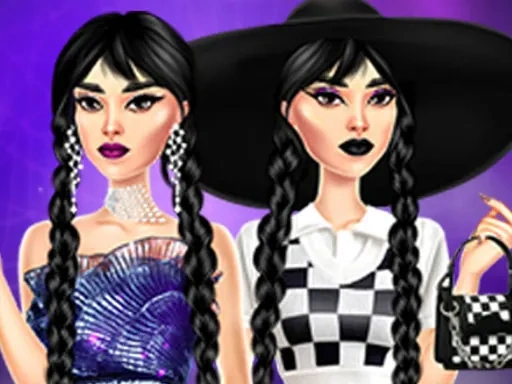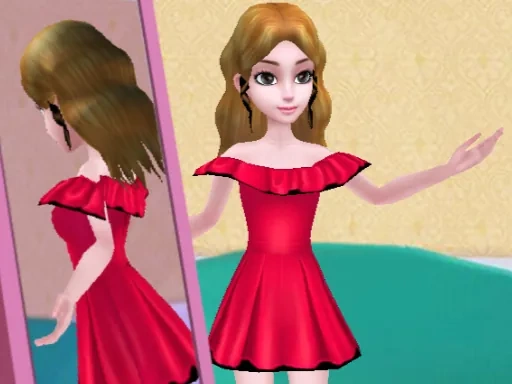

Diy Clothing Description
Diy Clothing Instructions
Q: How do I start designing in Diy Clothing?
A: Open your wardrobe in Diy Clothing and click or tap any clothing item—shirt, pants, dress, or accessory—to select it. Once selected, the customization panel will appear, letting you begin editing colors, patterns, and details immediately.
Q: What tools are available in Diy Clothing for customization?
A: Diy Clothing offers tools for changing fabric colors, adding patterns, adjusting textures, placing custom graphics, and modifying small details like buttons, collars, and hemlines. You can also layer items and preview changes in real time.
Q: Can I save my designs in Diy Clothing?
A: Yes. Diy Clothing automatically saves your current design progress. You can also manually save specific outfits to your personal collection and return later to edit or combine them with other pieces.
Q: Is there a limit to how many outfits I can create in Diy Clothing?
A: No. Diy Clothing allows you to create and store as many outfits as you like. Your wardrobe expands as you design, so you can keep experimenting without restrictions.
Q: Can I share my Diy Clothing designs with other players?
A: Currently, Diy Clothing focuses on personal creativity and wardrobe building. Sharing features may be added in future updates, but for now, all designs remain in your private collection.
Diy Clothing Details
Related Games
Anime Doll DIY Cosplay Girl
My RockStar Girls - Band Party
Unicorn Beauty Salon
Monster Truck Racing
Castle Match 3 Puzzle
Glow Nails Halloween
Fantasy Unicorn Creator
Robot Wars
Paper Doll Makeover Dress Up
Paper Doll Diary: Dress Up DIY
FNF Girlfriend Multiverse Fashion
Sid & Ginny Y2K Glam Clash
Winter Aesthetic Look
Fall Aesthetics
Eastern Star vs City Style Icon
Funny Tattoo Shop Game
Glam Dress Up: Game For Girls
Iconic Halloween Costumes
Ocean Kids Back To School
Girl Dressup Deluxe
PFW The Big Shoulder Couture
Creator Avatar One piece
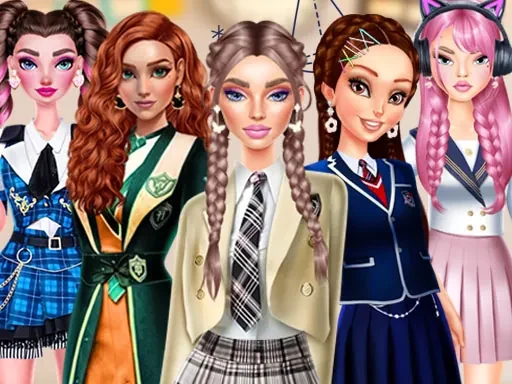
Back To School: Uniforms Edition