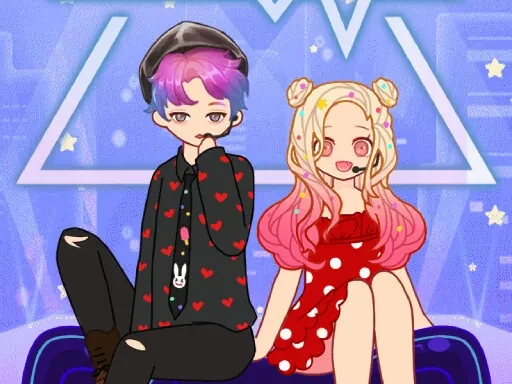

Dress Up Bean Description
Dress Up Bean Instructions
Q: How do I start playing Dress Up Bean?
A: Simply click the 'Play' button on the main screen to enter Dress Up Bean and begin customizing your avatar.
Q: What can I do in Dress Up Bean?
A: In Dress Up Bean, you can explore hundreds of fashion items—clothing, hairstyles, makeup, and suits—to create a personalized avatar that reflects your style.
Q: How do I customize my avatar in Dress Up Bean?
A: Browse through categories like tops, bottoms, hairstyles, and makeup. Click any item to try it on your avatar instantly. Combine different pieces to build your unique look.
Q: Can I change my avatar's appearance after saving?
A: Yes, in Dress Up Bean you can always return to the customization screen to adjust your avatar's outfit, hairstyle, or makeup at any time.
Q: Are there new items added to Dress Up Bean?
A: Yes, Dress Up Bean regularly updates its collection with fresh fashion items, so you can keep experimenting with new styles.
Dress Up Bean Details
Related Games
Creator Avatar One piece
Whats In My Bag?
Magic Princess
Naegi Poker
Anime Doll DIY Cosplay Girl
My RockStar Girls - Band Party
Unicorn Beauty Salon
Labubu And Me

Paper Princess Doll Dress Up
Idol Livestream: Doll Dress Up
Paper Doll Makeover Dress Up
Paper Doll Diary: Dress Up DIY
Princess Makeup Game
Celebrity Thanksgiving Prep
DIY Ugly Christmas Sweater
Eli Beauty
Summer Runway Challenge
Fall Aesthetics
Funny Tattoo Shop Game
Eastern Star vs City Style Icon
Diy Clothing
Sid & Ginny Y2K Glam Clash
Barbee Met Gala Transformation