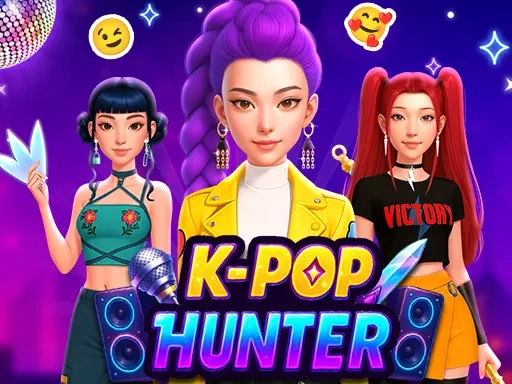

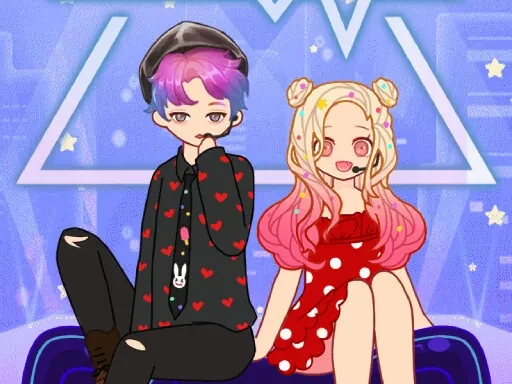
K Pop Demon Hunter Fashion Description
K Pop Demon Hunter Fashion Instructions
Q: How do I start playing K Pop Demon Hunter Fashion?
A: Use your Left Mouse Button to click on the 'Start' button. You'll be taken to the character selection screen where you can choose your base model.
Q: How do I customize outfits in K Pop Demon Hunter Fashion?
A: Click on any category tab (Tops, Bottoms, Shoes, Accessories, Hair, Makeup) to browse items. Left-click an item to preview it on your character. Click again to confirm and equip it.
Q: Can I change my character's hair and makeup in K Pop Demon Hunter Fashion?
A: Yes. Go to the 'Hair' tab to select from neon colors and styles like pigtails or undercuts. In the 'Makeup' tab, choose glowing eyeshadows, lip colors, and face tattoos.
Q: How do I remove an item in K Pop Demon Hunter Fashion?
A: Click the 'Remove' button next to the equipped item's thumbnail in the bottom panel. This will clear that slot and let you try a new piece.
Q: Is there a way to save my K Pop Demon Hunter Fashion look?
A: Yes. After finishing your outfit, click the 'Save' button. Your creation will be stored in your gallery, and you can revisit or edit it later.
Q: What if I want to start over in K Pop Demon Hunter Fashion?
A: Click the 'Reset' button to clear all equipped items and return to the default character. Your saved looks will not be affected.
K Pop Demon Hunter Fashion Details
Related Games
Paper Doll Makeover Dress Up
Whats In My Bag?
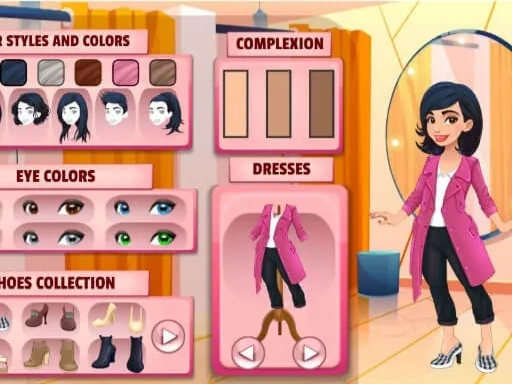
Girl Dressup Deluxe
Summer Runway Challenge
Paper Princess Doll Dress Up
Idol Livestream: Doll Dress Up
Paper Doll Diary: Dress Up DIY
Anime Doll DIY Cosplay Girl
BFFs K Pop Fangirls
Princess Makeup Game
Eli Beauty
Celebrity Thanksgiving Prep
Fashion Makeup And Dress Up Game
Celebrity BarbieCore Aesthetic Look
NYFW Street Style
Diy Clothing
Sid & Ginny Y2K Glam Clash
Barbee Met Gala Transformation
Delicious Smoothie Maker
Harvest Glam
Tattoo Studio
Rainbow Girls NYE Fashion
Dress Up Bean