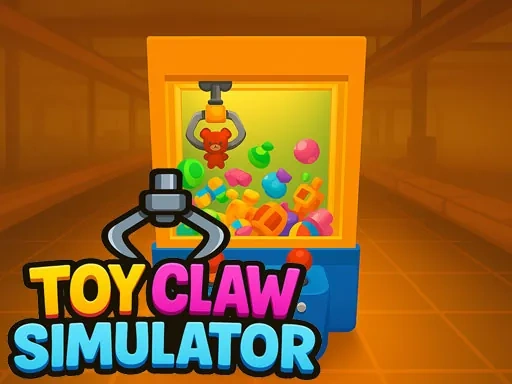

Toy Claw Simulator Description
Toy Claw Simulator Instructions
Q: How do I move the crane in Toy Claw Simulator on a desktop computer?
A: Use the WASD keys or the Arrow keys to move the crane left, right, forward, and backward.
Q: How do I grab a toy in Toy Claw Simulator on desktop?
A: Press the Spacebar to lower the claw and attempt to grab a toy.
Q: What are the controls for Toy Claw Simulator on a mobile device?
A: Touch and drag your finger on the screen to move the crane. Tap the red button to lower the claw and grab a toy.
Q: What happens after I grab a toy in Toy Claw Simulator?
A: The toy is added to your inventory. You can then sell it at the factory for coins.
Q: How do I sell toys in Toy Claw Simulator?
A: Navigate to the factory area in the game and select the toys you want to sell. You will receive coins based on the toy's value.
Q: What can I do with coins in Toy Claw Simulator?
A: Use coins to continue playing the claw machine and unlock new toys to collect.
Toy Claw Simulator Details
Related Games

Subway Surfers London 2021

Sweet World

Subway Surfers New Orleans

Green Chicken

Wheel Spinner And Eggs Surprise

Ducklings.io

Christmas Blind Box

Bloon Pop

Color blast

Pool Billiards 3D

Rope Master

Baby-Panda-Care-Game
Truck Loader Master

My RockStar Girls - Band Party

3D Breakfast Prapare
Off Road bus Transport Driver: Tourist Coach Sim
Truck Delivery Simulator

City Cargo Truck Driving Game

stick cricket

Sort Balls 3D

Funny Celebrity Face Moments

Trump the Puppet
Cartoon Coloring for Kids - Animals