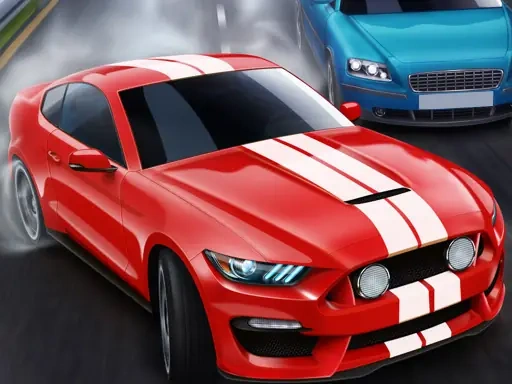

Racing Cars Description
Racing Cars Instructions
Q: How do I control my car in Racing Cars?
A: Use the arrow keys to steer, accelerate, and brake. The up arrow accelerates, the down arrow brakes, and left/right arrows steer your vehicle.
Q: What is the main goal in Racing Cars?
A: Your goal is to race through 30 challenging levels, aiming for first place against AI competitors. Each level requires you to finish ahead of all opponents to unlock the next track.
Q: Can I personalize my vehicle in Racing Cars?
A: Yes! You can customize your car to enhance both its performance and style. Performance upgrades include engine, suspension, tires, and aerodynamics. Visual options include paint, decals, rims, and body kits.
Q: How do I unlock new cars or upgrades in Racing Cars?
A: You unlock new customization parts and car models by completing levels and achieving podium finishes. Higher placements earn better rewards.
Q: Are there any shortcuts or hidden paths in Racing Cars tracks?
A: No. Each track is a fixed circuit with no shortcuts. Success depends on mastering the racing line and your car's handling.
Q: Does Racing Cars have a multiplayer mode?
A: No. Racing Cars is a single-player experience focused on competing against AI opponents across 30 levels.
Related Games
Zombie Shooter 3D
ASMR Relaxing Puzzle Games
Mario 64 3D
Bridge Race 3D
Sky Driver 2021
Police Chase 2
Driver Zombie Escape 2D

Car Sale Business Tycoon Game

Epic Racing - Descent on Cars
Parking driver
Car vs Prado Racing 3D
Race The Traffic
Apocalypse Truck
Truck Delivery Simulator
Obby Universe: Mini Games Online
Sandman Pixel Race 3D
Super Mario vs Wario
Angry Birds Kart Hidden Stars

Santa Claus Rush
Vector Parkour

Billiards 888
Car Parking 2
Jeep Driver