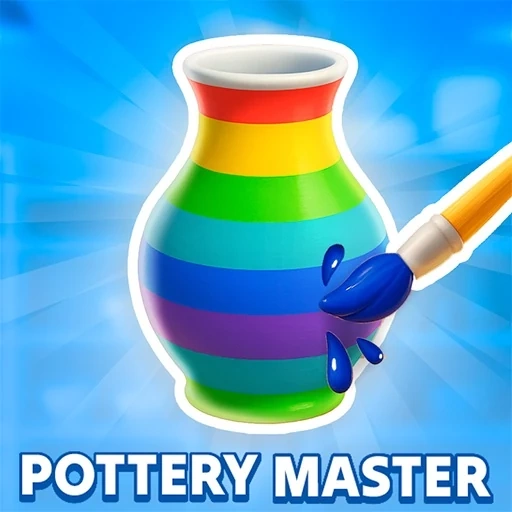

Pottery Master Description
Pottery Master Instructions
Q: How do I start playing Pottery Master?
A: The game begins with a tutorial. A lump of clay appears on the wheel. Hold down the left mouse button and follow the white dots shown by the guiding hand to shape the clay.
Q: What are the basic controls in Pottery Master?
A: Drag upward to pull the clay up, drag sideways to widen the form, and drag from the top down to narrow it. Use curved motions to create specific shapes like flared rims or narrow necks.
Q: What is the goal during the shaping phase in Pottery Master?
A: Your goal is to match the white outline shown on screen. Try to replicate the target shape as accurately as possible, then click 'Next' to proceed.
Q: What happens after shaping in Pottery Master?
A: You'll select tools from the bottom bar to trim excess clay, smooth the surface, and then paint and decorate your piece (e.g., apply a white base coat then add colored stripes).
Q: How is my work evaluated in Pottery Master?
A: At the end, the game checks how closely your final ceramic matches the order and gives you a percentage score. Practice to improve your accuracy and become an expert potter.
Pottery Master Details
Related Games

Craft of Wars

Craft Monster Hunting

Toytopia

Wonder Coloring

Musical Labubu: Make a Melody
Mandala Pages

Tung Sahur Coloring

Castle Match 3 Puzzle

Glow Nails Halloween

Funny Tattoo Shop Game

Monster Jeep Coloring
ASMR Relaxing Puzzle Games

Candy Balls

Among Us Coloring Book

Sand Blast 1

Baby-Panda-Care-Game

Pool Billiards 3D
Truck Loader Master

My RockStar Girls - Band Party

Santa Claus Rush

Vector Parkour

Billiards 888
Car Parking 2