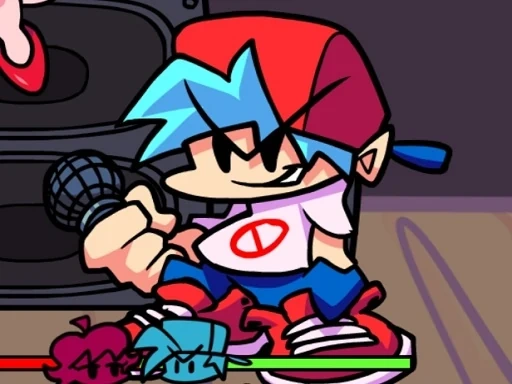

Friday Night Funkin PixelCrate Description
Friday Night Funkin PixelCrate Instructions
Q: How do I start playing Friday Night Funkin PixelCrate?
A: Open the game in your browser and click the 'Play' button on the title screen. The game will load the first song and opponent automatically.
Q: What are the controls for Friday Night Funkin PixelCrate?
A: Use the arrow keys on your keyboard: press Up, Down, Left, or Right to match the arrows that scroll toward the center of the screen. On mobile devices, tap the corresponding on-screen arrows.
Q: How do I win a song in Friday Night Funkin PixelCrate?
A: Hit the correct arrows in time with the beat to fill your health bar. If your health stays above zero until the song ends, you win the round and advance to the next song.
Q: What happens if I miss too many notes in Friday Night Funkin PixelCrate?
A: Missing notes drains your health bar. If it reaches zero, you lose the song and must retry from the beginning of that track.
Q: Can I change the difficulty in Friday Night Funkin PixelCrate?
A: Yes, before starting a week, you can select Easy, Normal, or Hard difficulty from the menu. Hard mode features faster arrow patterns and more complex rhythms.
Q: Is there a practice mode in Friday Night Funkin PixelCrate?
A: The game does not have a separate practice mode, but you can replay any unlocked song from the menu to improve your score and timing.
Q: How do I unlock new songs in Friday Night Funkin PixelCrate?
A: Progress through the story by winning each song in order. Defeating an opponent unlocks the next track and eventually new weeks with different rivals.
Q: Does Friday Night Funkin PixelCrate save my progress?
A: Yes, the game automatically saves your progress in your browser's local storage. Clearing your browser data may reset your save.
Friday Night Funkin PixelCrate Details
Related Games
Roller Splat Halloween Edition
Snake Battle

My RockStar Girls - Band Party

Musical Labubu: Make a Melody
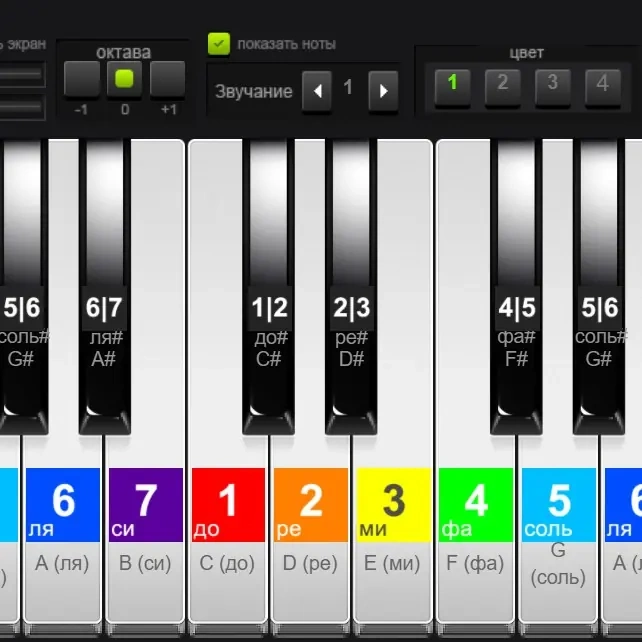
Piano with Notes
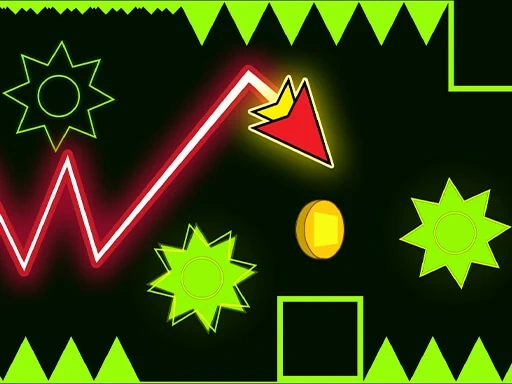
Wave Dash
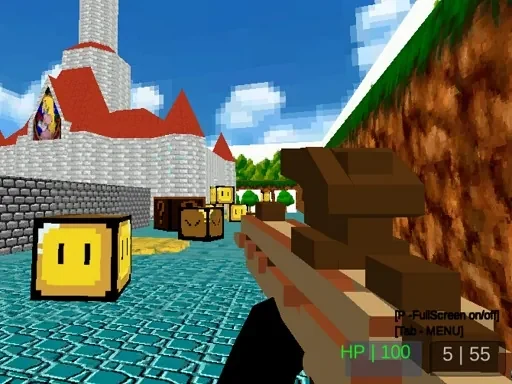
Paintball Gun Pixel 3D

Nuwpy's Adventure
Zombie Derby: Pixel Survival
Pixel Slime

Super Mario vs Wario

Mario 64 3D

Fall Days : İnfinity Jump
Monster Egg
Chrome Dino Run

Retro Cars Coloring
Nostalgic Playstation1 Quiz
Pinball Football HTML5
Space War Symphony

Halloween Geometry Dash

Magic Tiles - Piano Squid
Robo Shop
Tropical Tidy