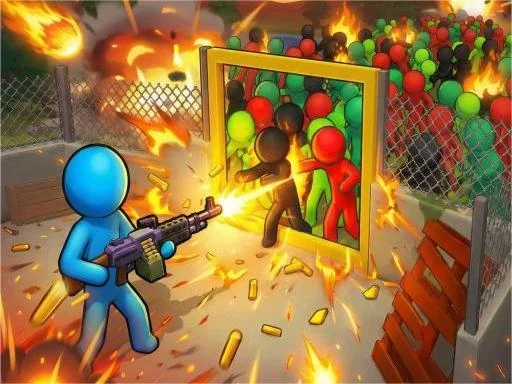

Zombie Apocalypse 2 Description
Zombie Apocalypse 2 Instructions
Q: How do I move my character in Zombie Apocalypse 2?
A: Use the WASD keys or arrow keys on your keyboard to move your survivor across the battlefield.
Q: How do I interact with the game world in Zombie Apocalypse 2?
A: Use your mouse to click on menus, select weapons, place fortifications, and aim or shoot at zombies. On touchscreen devices, simply tap to perform all actions.
Q: How do I upgrade my defenses in Zombie Apocalypse 2?
A: Open the build menu with your mouse, select the fortification you want to upgrade, and spend resources you have collected during gameplay.
Q: Can I customize my character in Zombie Apocalypse 2?
A: Yes, you can unlock and apply skins for your character, weapons, and fortifications through the customization menu.
Q: What happens if I die in Zombie Apocalypse 2?
A: Your survival run ends, and you will need to start a new attempt. Progress like unlocked skins and upgrades may carry over depending on the game mode.
Related Games
Driver Zombie Escape 2D
Zombie Derby: Pixel Survival
You Monster!
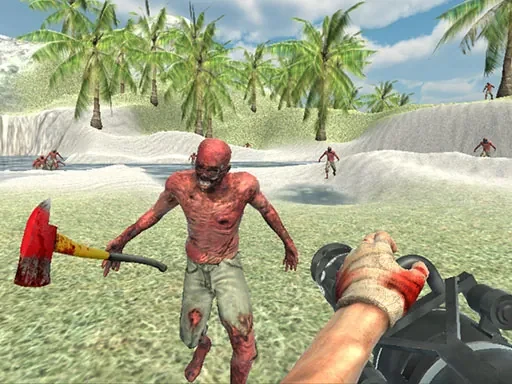
Zombie Vacation 2
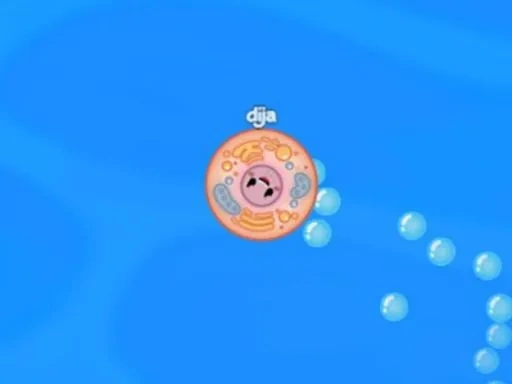
Cellf Defense
Kingdom Defense Online

Protect From Snow Balls

Wild Archer: Castle Defense

Bloon Pop
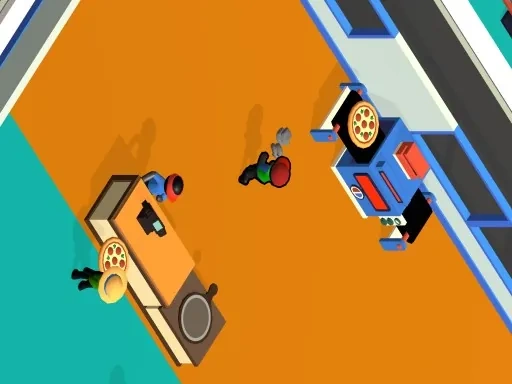
Cheez Pizza Ready
Falling Blocks - Tetris Game

Shape Puzzle
Last Z Survival Shooter
Plane
Apocalypse Truck

Squid Games Challenge
Dig out of Prison
Obby: Dig to the center of the Earth
Jungle Mart idle game

Pet Doctor Business Tycoon Game
Stick Man Battle Fighting
Pumpkin Monster
Sniper Trigger Revenge