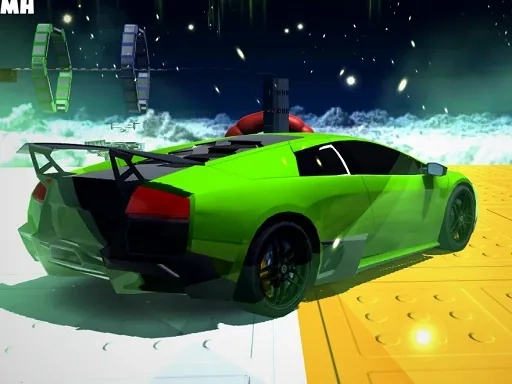

Vehicle Stunts Sky Sim Description
Vehicle Stunts Sky Sim Instructions
Q: How do I control my vehicle in Vehicle Stunts Sky Sim?
A: Use the WASD keys to drive, steer, and perform stunts. W accelerates, S brakes or reverses, A steers left, and D steers right.
Q: What types of vehicles are available in Vehicle Stunts Sky Sim?
A: The game includes cars, bikes, and trucks. Each has different handling, weight, and stability characteristics.
Q: How do I perform stunts in Vehicle Stunts Sky Sim?
A: While in the air, use the A and D keys to tilt your vehicle left or right. Combine with speed control to land smoothly.
Q: What happens if I fall off the track in Vehicle Stunts Sky Sim?
A: Your vehicle will respawn at the last checkpoint you passed. There is no damage system—only time and position matter.
Q: Are there different tracks in Vehicle Stunts Sky Sim?
A: Yes, multiple tracks are available, each with unique layouts, obstacles, and height variations.
Q: Can I replay tracks in Vehicle Stunts Sky Sim?
A: Yes, you can replay any unlocked track to improve your time or try different vehicles.
Q: Is there a multiplayer mode in Vehicle Stunts Sky Sim?
A: No, the game is single-player only. The focus is on personal skill and high-score challenges.
Related Games
Motorcycle Run
Super Motocross
Cargo Bike And Car Game
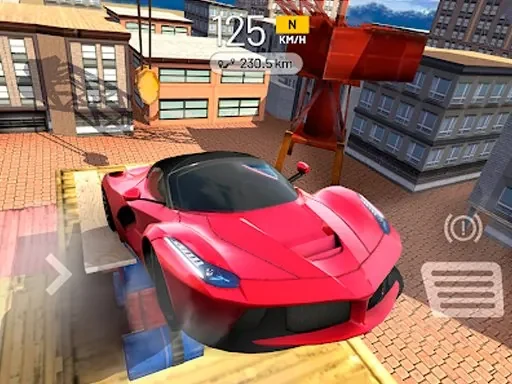
Sky Driver 2021
Police Chase 2
Driver Zombie Escape 2D

Car Sale Business Tycoon Game

Super Mario vs Wario

Epic Racing - Descent on Cars
Angry Birds Kart Hidden Stars
Off Road bus Transport Driver: Tourist Coach Sim

Hippo Toy Doctor Sim Game
Lion Family Sim Online
Police Car Chase Driving Sim
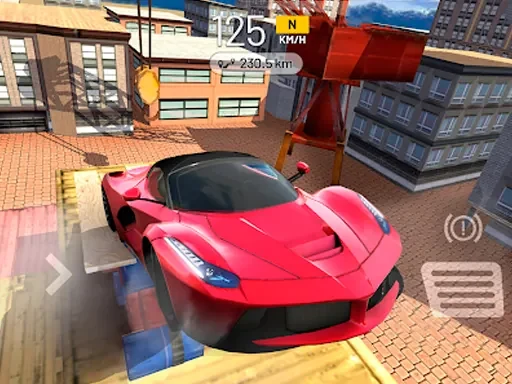
Sky Driver Car Stunt
Sky Race
Sky Battle
Sky Night Game
BMW City 1
Mega Car Stunt Game
Apocalypse Truck
Truck Loader Master
Truck Delivery Simulator