
Maze Escape Challenge Description
Maze Escape Challenge Instructions
Q: How do I move my character in Maze Escape Challenge on PC?
A: Use WASD or the Arrow Keys to move your character. Use the mouse to click buttons and navigate menus.
Q: What are the controls for Maze Escape Challenge on mobile?
A: Touch and drag on the screen to move your character. Tap buttons and UI elements to interact.
Q: How do I earn stars in Maze Escape Challenge?
A: Complete each maze within a certain time limit. Faster times earn more stars—up to 3 per level.
Q: What happens when I collect all stars in Maze Escape Challenge?
A: Unlocking all stars in a level set may grant access to bonus mazes or harder difficulty tiers.
Q: Is there a penalty for restarting a maze in Maze Escape Challenge?
A: No. You can restart any level as many times as you like. Only your best time and star rating are saved.
Q: Does Maze Escape Challenge have a Dark Mode?
A: Yes. Some levels feature Dark Mode, where your visibility is limited to a small area around your character. You must navigate using memory and environmental cues.
Related Games
Ninja Run Up and Down
European Football Jersey Quiz

Squid Games Challenge
Red Stickman vs Monster School

Dig out of Prison
Driver Zombie Escape 2D
Slither Escape

Granny Cursed Cellar
Pet Me Maze
Sokoban Push The Box

Ball Run 2048
Among us The imposter
Infininte Cactus
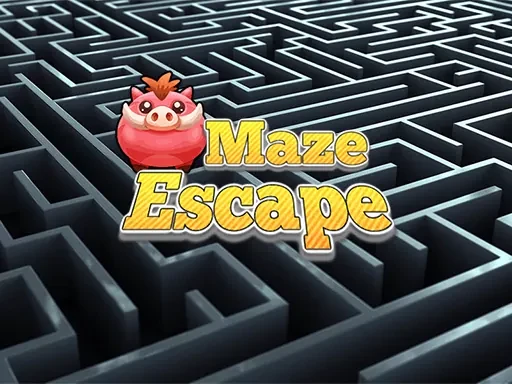
Maze Escape
Halloween Ride
Angry Birds Kart Hidden Stars
Galactic War
Pop Star

Redball Avengers

Bloon Pop
stick cricket

Rope Master

Sort Balls 3D