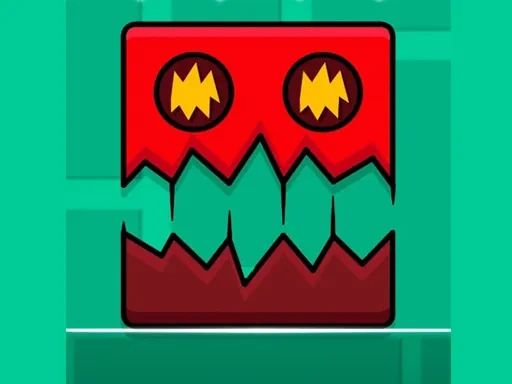

Geometry Jump Dash Description
Geometry Jump Dash Instructions
Q: How do I control my character in Geometry Jump Dash?
A: Use a single mouse click, screen tap, or spacebar. A quick tap performs a jump to avoid obstacles and cross gaps. Holding the input slightly longer triggers a dash, which is essential for breaking through barriers or making sharp horizontal movements.
Q: What is the main objective in Geometry Jump Dash?
A: Navigate each geometric obstacle course from start to finish without crashing. Your timing and rhythm must sync with moving platforms and hazards as you jump and dash.
Q: What happens if I hit an obstacle in Geometry Jump Dash?
A: Any collision results in immediate failure. You restart from the last checkpoint or the beginning of the section, encouraging quick retries and learning from mistakes.
Q: Does Geometry Jump Dash get progressively harder?
A: Yes. It starts with simple timing challenges and gradually introduces more complex patterns, faster sequences, and obstacles requiring precise combinations of jumps and dashes.
Related Games

Tennis Dash
Wave Dash
Cowboy Runners Dash
SkyTap Dash
Labubu Geometry Dash
Frank In Geometry Maps

Kids Geometry
Fall Days : İnfinity Jump
Ragdoll Jump
Jump Kitty
Only Up Parkour 2

Super Mario vs Wario
Mario 64 3D
Monster Egg

Color blast
Catch Apple

Pool Master
Professional Archerist
Desert Jump

Musical Bubble

Rock Hero Online

Bloon Pop
stick cricket