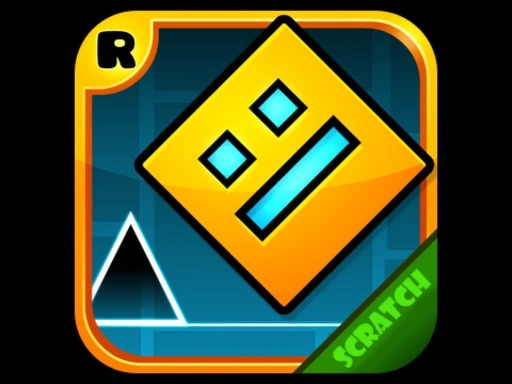

Geometry Dash Cube Adventure Description
Geometry Dash Cube Adventure Instructions
Q: How do I start playing Geometry Dash Cube Adventure?
A: Click or tap the Green Flag button to launch Geometry Dash Cube Adventure and begin your run.
Q: What is the main control in Geometry Dash Cube Adventure?
A: Press the Spacebar (or tap on mobile) to make your cube jump in Geometry Dash Cube Adventure. Timing your jumps to the music and obstacles is essential.
Q: Can I pause Geometry Dash Cube Adventure?
A: Yes, use the Pause button in the top-left corner of Geometry Dash Cube Adventure to stop the game temporarily. Press it again to resume.
Q: How do I save my progress in Geometry Dash Cube Adventure?
A: Use the Home button in the top-left corner of Geometry Dash Cube Adventure. This saves your current progress and returns you to the main menu.
Related Games
Flower Shooter
Mario 64 3D

Bubble Shooter Wild West
Sky Driver 2021
Black And White 2
Frank In Geometry Maps
Hop Music Ball Game
Labubu Geometry Dash
Wave Dash

Kids Geometry
Fall Days : İnfinity Jump

Ragdoll Jump
Canjump
Jump Kitty

Color blast
Subway Surfers London 2021
Only Up Parkour 2

Obby Blox Hook
Obby: Climb and Slide
Obby Rainbow Tower
Squid Game Deadflip
Platforms Destroyer
Geometry Dash Stars