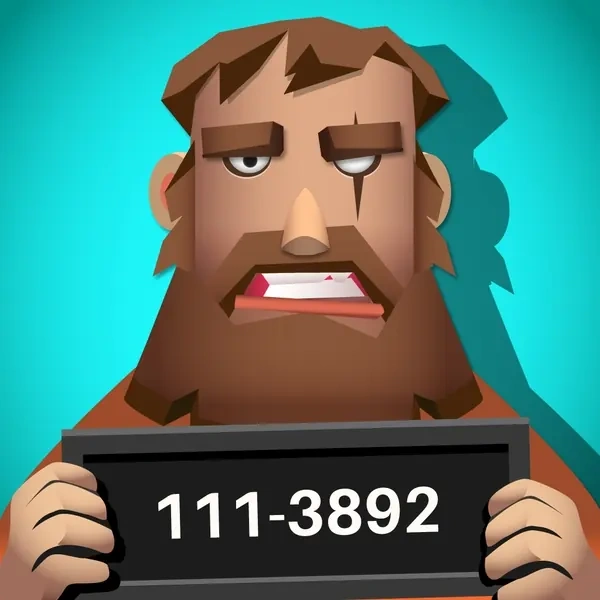

Cold Cases Description
Cold Cases Instructions
Q: How do I start an investigation in Cold Cases?
A: Select a case file from the stack on your desk. This will open the case and present your first specific task, such as reconstructing a key piece of evidence.
Q: How do I reconstruct evidence like a weapon in Cold Cases?
A: For reconstruction tasks, drag and drop the correct parts (e.g., barrel, grip) from your inventory onto their outlined positions on the diagram.
Q: How is DNA evidence used in Cold Cases?
A: After assembling items, inspect them closely with the magnifying glass to find DNA traces. Send the sample for analysis to generate a suspect profile.
Q: How do I create a suspect's composite sketch in Cold Cases?
A: Use the photo-fit system. Drag the correct facial features (like eyes, nose, hair) from the options panel to match the description on the template.
Q: What happens when I solve a case in Cold Cases?
A: The solved case is featured in the news. You can then officially close the file and choose a new cold case from the stack to investigate.
Cold Cases Details
Related Games
Sins and Desires
Connect Clues - The Missing Professor
Monster Egg

Pool Billiards 3D

Baby-Panda-Care-Game
Truck Loader Master

My RockStar Girls - Band Party

Juicy Match 2

Merge Fruit
Color Sort: Impostor Edition
Image Crossword
Hex Puzzle

Magic Circus - Match 3
Africa Carnivore Jigsaw
ASMR Mini Puzzle Games 2024

Cute Kitty Merge
Red Rope
Halloween Mahjong Deluxe 2020

Connect Dots Puzzle Game

Trace: Learn
Bus Jam
ConfusionsInMath 5 8
Punball Puzzle