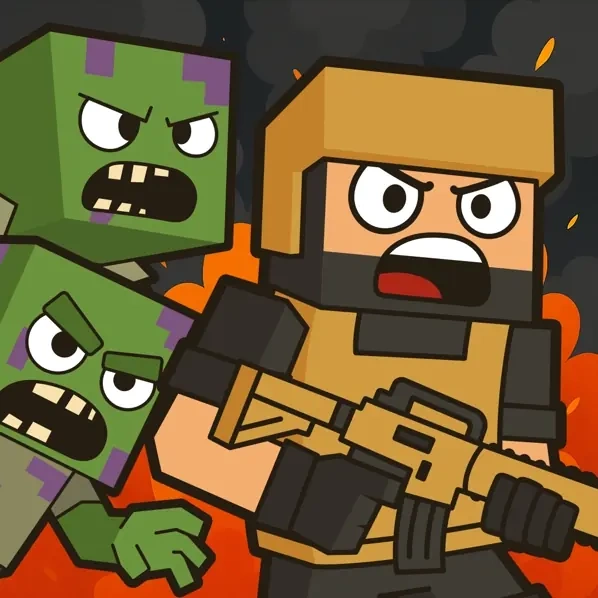

Block for Blood Description
Block for Blood Instructions
Q: How do I start playing Block for Blood?
A: Use WASD to move. First, walk to and pick up the crowbar to arm yourself.
Q: How does combat work in Block for Blood?
A: A dotted line points to nearby zombies. Get close and click LMB to attack with your equipped weapon. Deplete the enemy's red health bar to defeat it.
Q: What should I collect in Block for Blood?
A: Always pick up money and items dropped by enemies. Also, destroy the zombie mounds they emerge from for resources.
Q: What are the main level objectives in Block for Blood?
A: Eliminate all zombies. Then, equip armor from red circles and open crates for medkits or ammo.
Q: How do I fight ranged enemies in Block for Blood?
A: Some zombies appear at a distance. Shoot them from afar, collect any dropped keys or money, and switch to your crowbar if you run out of ammo.
Q: How do I progress and repair weapons in Block for Blood?
A: Collect two keys to access the repair hammer (blue circle). Select a damaged weapon and press 'Repair'. Open highlighted cases to find new weapons.
Related Games

Super Mario vs Wario
Dino Hunter 3D

Sky Driver 2021

Fly and shoot 1. Italian Bosses

BlockCraft Together
Zombie Derby: Blocky Roads
Blocky Combat Swat 2
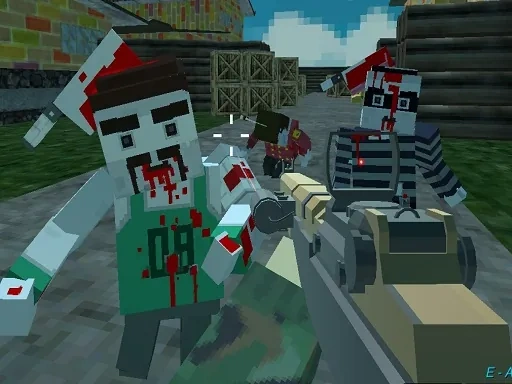
PGA3 Zombie

Cannon Surfer 3D

Space War Symphony

The Bunny vs The Gardener
Last Day On Earth Survival
Last Z Survival Shooter

Plane
Apocalypse Truck
Squid Games Challenge
Zombie Shooter 3D

Overrun
Anti Terrorist Shooting Game

Mexico Rex 2
Mariocraft

Save the Thief

Monster Max